Openers · Salem
Garage Door Remote and Keypad Programming in Salem
Your remote was in the visor when the car was broken into last night.
In plain words
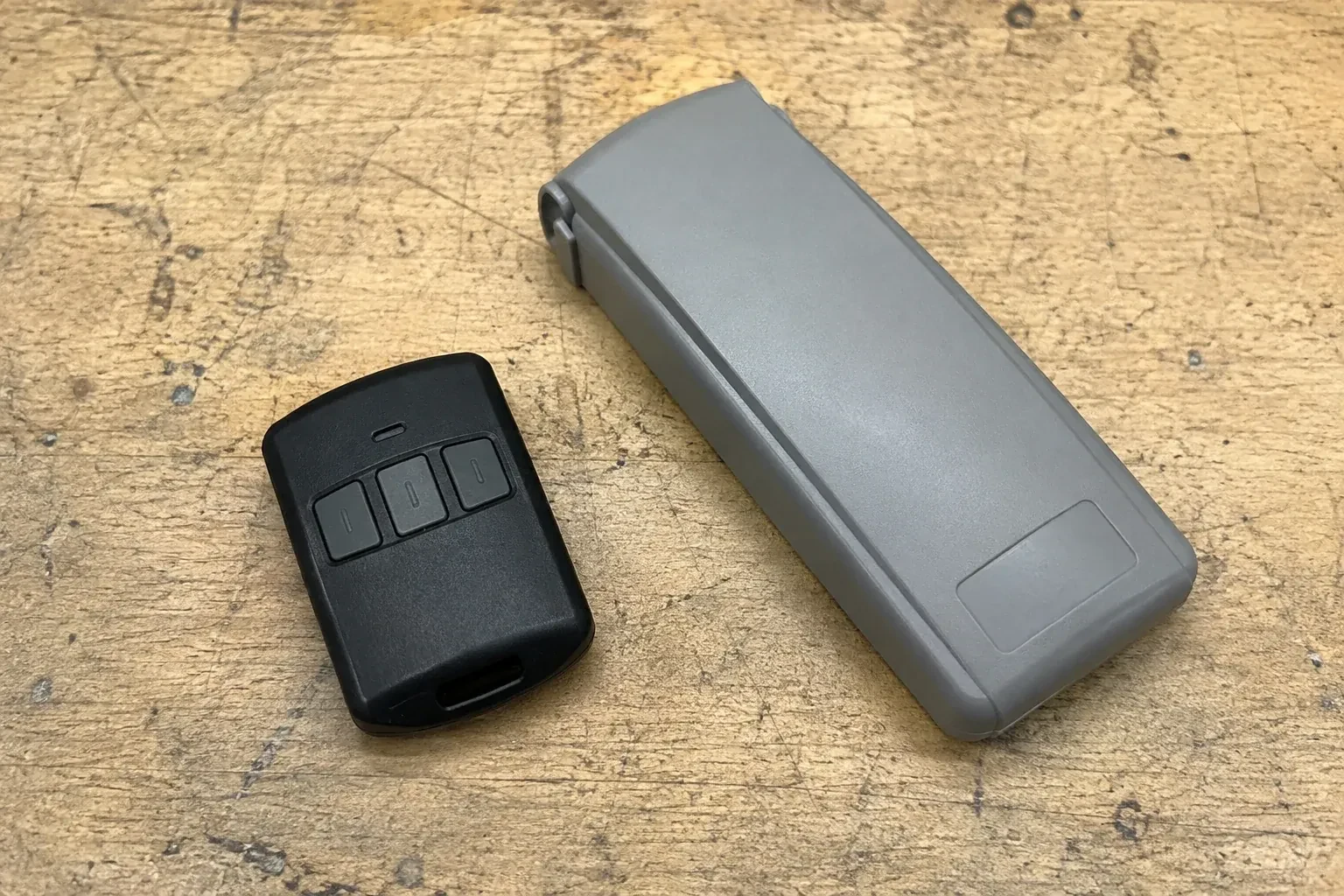
Built-in garage buttons in a car's mirror or overhead console are remotes like any other, often with one extra step. On many rolling-code openers the car first learns the signal from a working handheld remote held close to it, then the opener learns the car: the technician presses the learn button and, in the window that follows, presses the vehicle button until the door moves. A fresh battery in the handheld remote makes the first step reliable, though some vehicle systems follow a different sequence with no handheld remote, so the instructions are confirmed first. An older system sometimes needs a small bridge module.
How the visit goesThe opener is an older one with a row of tiny switches inside the remote. The last remote finally died, the maker stopped selling that model years ago, and the door itself still runs perfectly from the wall button.
Garage Door Remote and Keypad Programming
How the visit goes

Is the opener itself ready?
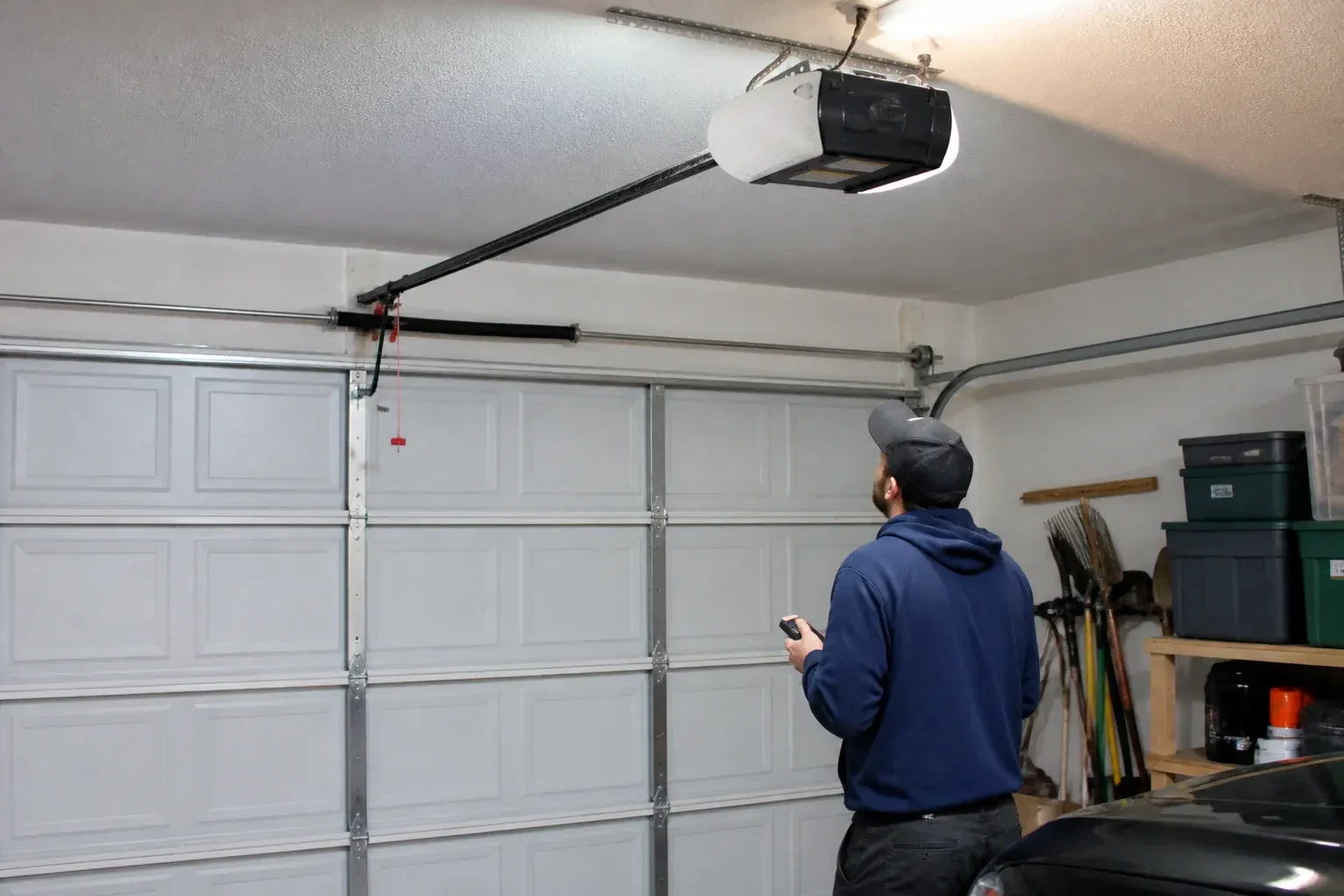
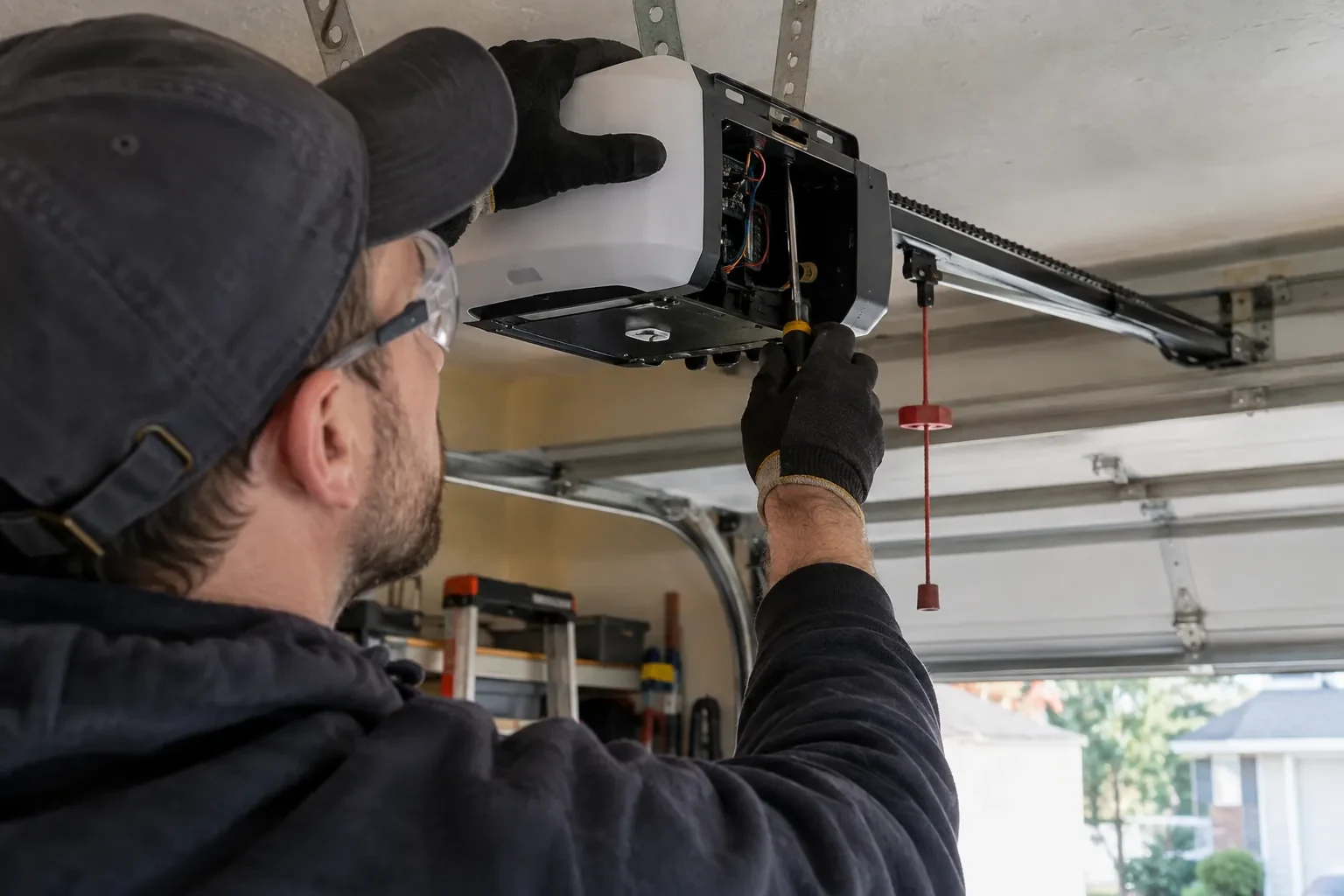
Programming only takes when the opener is in a state to accept it, so the first minutes are spent on the unit rather than the remote. The technician confirms the head unit has power and responds to the wall control, checks that the lock indicator is not blinking, and looks at the photo-eye lights near the floor to see the beam is aligned. The door is run through a cycle to be sure it travels and reverses properly. If the wall button moves the door and the remotes do not, the fault is on the wireless side and programming is likely to help; if nothing moves the door, the visit becomes a repair first.
Adding a remote to the memory
With a compatible remote in hand and the opener confirmed ready, pairing is a short exchange. The technician presses and releases the head unit's learn button, which opens a programming window of roughly half a minute, then presses the chosen remote button until the opener light blinks or the unit gives a click. That button now opens the door. A second button can be tied to a second door or a gate the same way. Each remote is tested from the driveway and from beside the door, and the process is repeated for every device on the list so nobody is left with a control that half works.
Adding a control yourself next time
Because you watched the pairing, you know where the learn button lives under the light cover, what a short press does and, just as importantly, your opener's own erase sequence. Confusing the two is the cause of many surprise lockouts. You have the compatibility details for your opener written down, so the next remote you buy is the right generation, and you know that unplugging the opener during a long absence does not erase anything. Most households can add a remote themselves after seeing it once.
Garage Door Remote and Keypad Programming
In the van
In-vehicle compatibility bridge module
AAA and nine-volt keypad batteries
Universal multi-generation remote
Contact cleaner and fibreglass brush
Add-on rolling-code receiver kit
Garage Door Remote and Keypad Programming
What affects the quote
Add-on receiver for an older opener
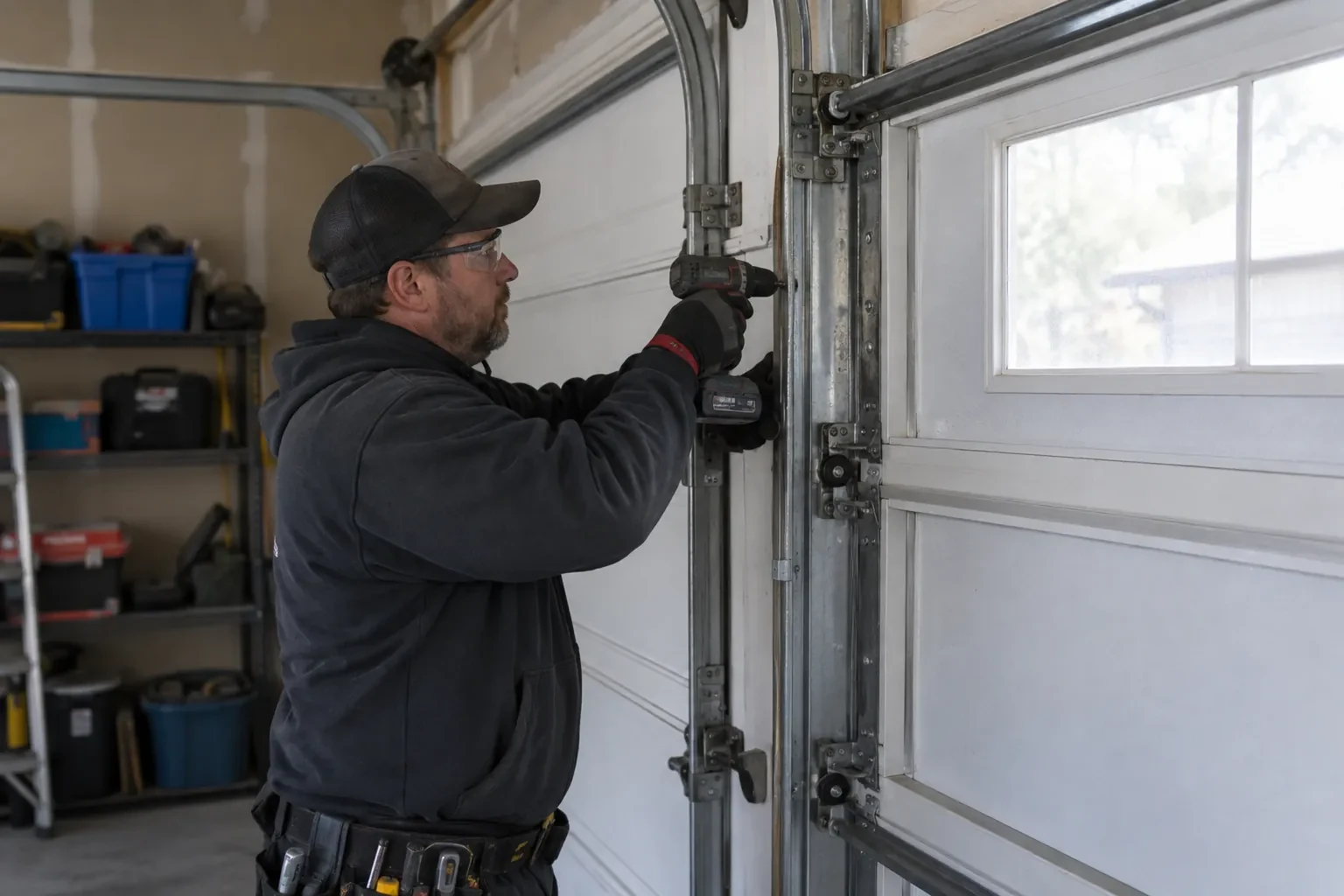
Converting a fixed-code opener means a receiver kit, wiring to the wall-button terminals and new remotes, quoted as an upgrade rather than a programming call.
Receiver or logic board fault found
If a known-good remote also fails, the receiver or board is the cause; its diagnosis and replacement are quoted separately from programming.
Batteries supplied
Coin cells for remotes and the small cells in keypads are counted per device when the technician supplies them, and noted so you know what to buy next time.
What to have ready
- Does the opener connect to a phone app, and whose account is it under?
- Have the bulbs in the opener been changed to LEDs recently?
- Do you have a keypad outside, and does anyone still know its code?
Garage Door Remote and Keypad Programming: questions
QuestionsWill unplugging the opener reset the remotes?
No. The stored controls survive a power cut or a long unplugging; the opener remembers them when power returns, and manufacturers say this plainly. Removing a control is done at the learn button, following the model's sequence, either by erasing the whole memory or, on some models, by deleting a single device through a supported wall control or app. That is reassuring after an outage and important after a lost remote.
We just moved in. Should the opener's memory be cleared?
Yes, it is sensible. The previous owners may have handed over two remotes while a third sits in a relative's car, and the keypad code may be known to their cleaner. Clearing the memory forgets every stored remote and keypad code, then your own remotes, a new keypad code and your vehicle buttons are programmed back; a connected app or account from the previous owner is removed separately, since clearing the memory alone does not always take it with it.
What should I gather before the technician arrives?
Every remote you own, working or not, and the keypad if it has been taken down. The opener's model label or a photo of the learn button under the light cover. The cars whose buttons need training, parked close to the door. A note of who should have access and whether any remote is missing. A code in mind for the keypad. All of this shortens the visit and makes the handover complete.
Related services
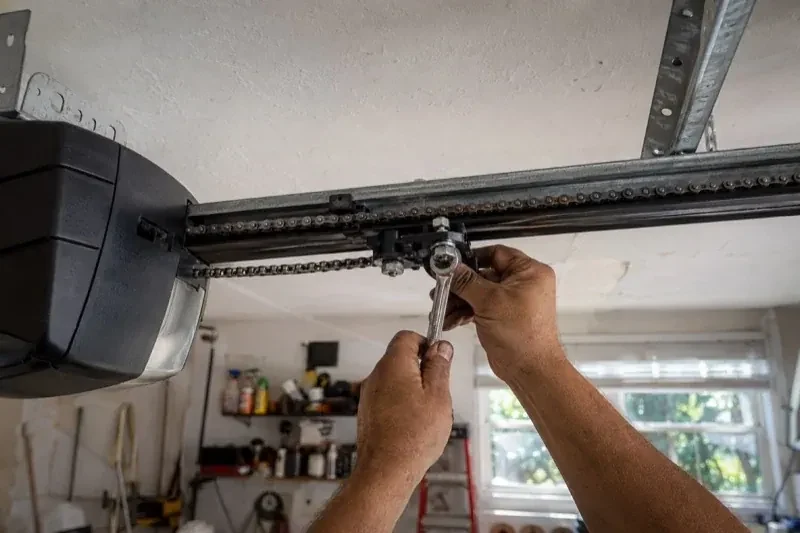
- Chain-Drive Opener RepairThe door opens about a third of the way and stops.
- Belt-Drive Opener RepairThe belt looks fine from a distance, but up close the rubber has cracked across the back in dozens of places and, in one spot, you can see the steel cords showing through.
- Garage Door Opener ReplacementSince the storm the door behaves oddly: it reverses halfway down for no reason, the light flickers, and the travel limits drift so it either slams or stops short.