Openers · Centre Wellington
Smart Garage Controller Setup
One remote lives in a car you sold last spring.
In plain words
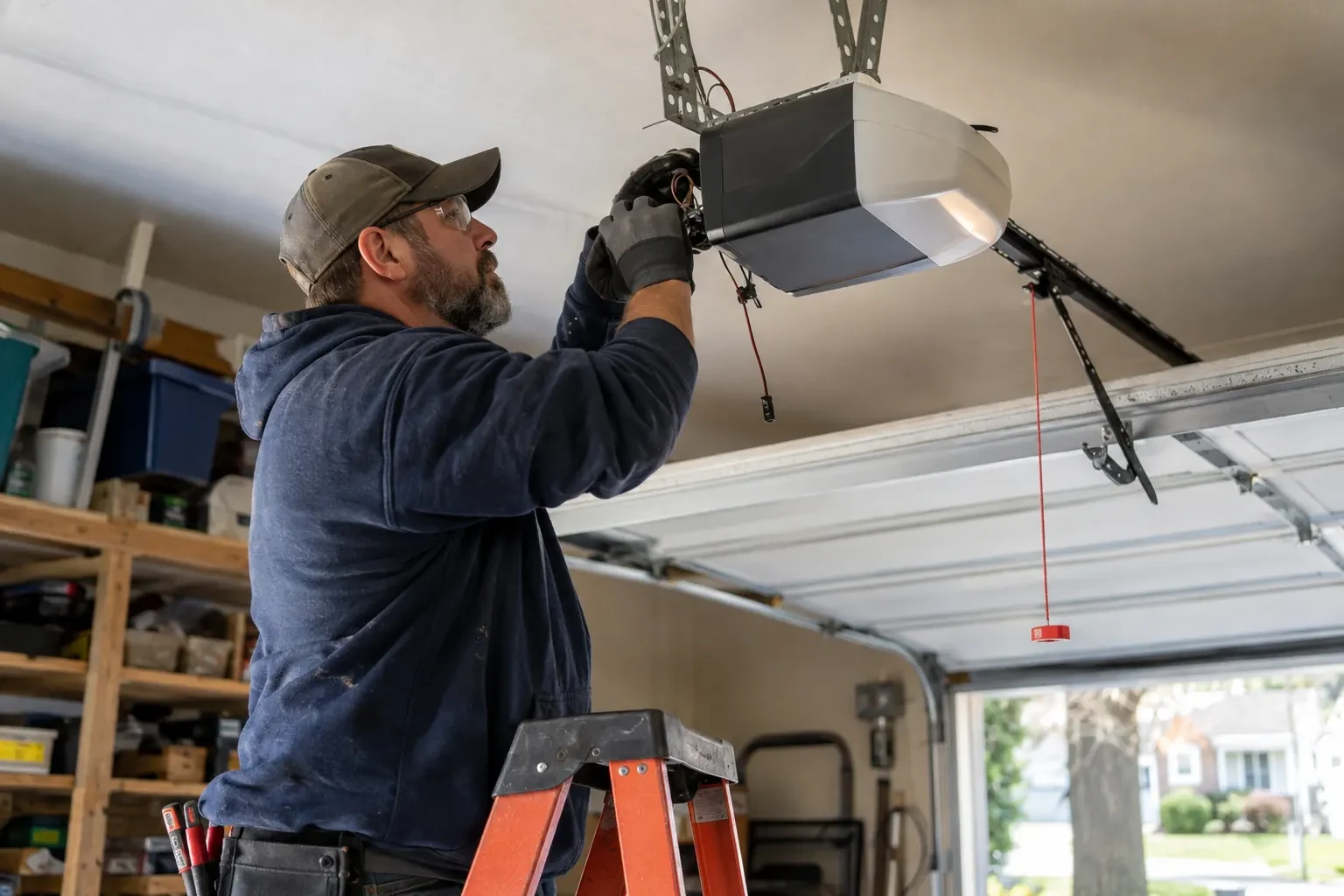
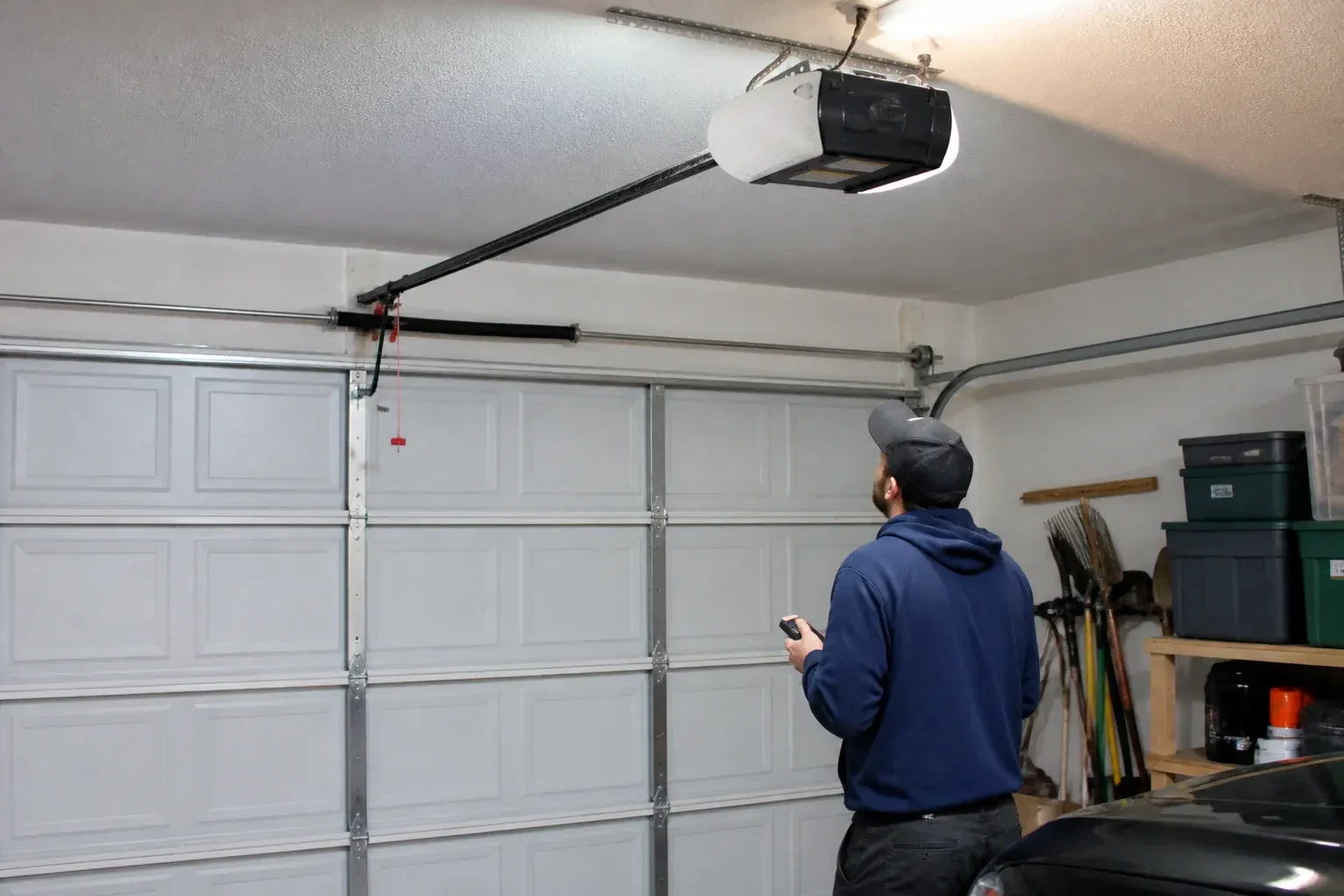
Smart garage controller setup gives your garage door a place in your phone: open, close, see whether it is up or down, and hear about it when something changes. Many openers made in the last several years carry a wireless radio inside the head unit that only needs switching on and joining to your network. Older openers take a small retrofit hub beside the motor and a battery sensor on the top door panel, which together tell the app what the door is doing and pass your commands to it. The technician works out which route fits your opener and completes it in one visit.
How the visit goesYour daughter gets home from school an hour before anyone else. She has lost two house keys this year, and the garage keypad code has been shared with half her class. You would rather open the door from your desk and know the moment she is in.
Smart Garage Controller Setup
How the visit goes

Power and a home for the hub
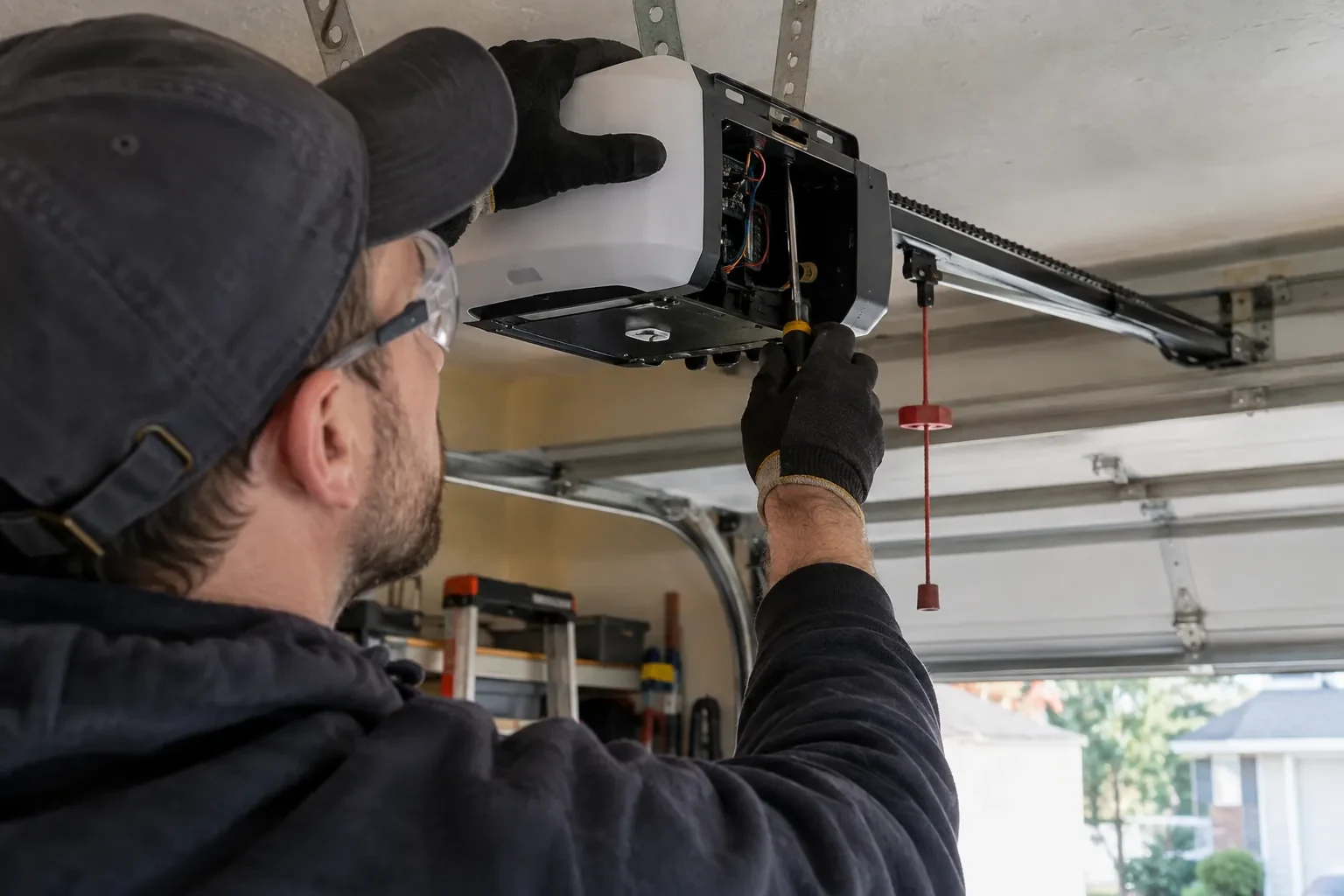
Retrofit hubs draw their power from a plug-in adapter, so the technician looks at the ceiling receptacle the opener uses: is there a spare socket, is it live, and does the adapter's cord reach a mounting spot with a clear line to the door sensor? The hub is placed within a few metres of the door so its own short-range link to the sensor stays solid, and away from the trolley and chain. If the receptacle is full, an approved splitter or a second receptacle installed by an electrical contractor is discussed. The adapter itself is checked for a recognized Canadian approval mark before it is plugged in.
Alerts, schedules and shared users
With the door reporting truthfully, the useful settings are made. A left-open alert is set to a sensible delay, often ten or fifteen minutes, so it is helpful rather than nagging. If wanted, a nightly schedule is created that closes the door at a chosen hour, with the app's confirmation that the pre-close warning will sound. Household members are invited as users under the owner's account, each on their own login, and any temporary access for a contractor is created with an end date. Notifications are sent to the right devices and confirmed to arrive. The owner is shown how to add, change and remove each of these later.
A status you can trust
The most important thing you leave with is confidence that the little icon on your phone is telling the truth. You have watched the door open and close while the app changed state each time, you know roughly how long it takes to update, a few seconds after the door reaches the end of its travel, and you know what a stale reading looks like. If the status ever disagrees with what you can see, the sensor battery and the hub's connection are the two places to look. Until then, checking the door from the highway means glancing at a screen rather than turning the car around.
Smart Garage Controller Setup
In the van
Cable clips and insulated staples
Wi-Fi access point or extender
Receptacle splitter with approval mark
Retrofit smart hub
Replacement photo-eye pair
Smart Garage Controller Setup
What affects the quote
Distance to your address
Every visit includes the drive. A home a few streets from the shop and a property well outside town are different trips, and that shows in the quote.
Taking over an existing device
Releasing a controller from a previous owner's account, resetting it and pairing it fresh takes time that a new device does not, and its sensor may need a battery or repositioning.
Alerts, schedules and integrations
A left-open alert and a nightly schedule are standard. Linking the door to other smart-home systems or setting up several schedules is additional configuration.
What to have ready
- How strong is your phone's Wi-Fi signal when you stand under the opener?
- Is there a spare socket in the ceiling receptacle the opener uses?
- Does your wall console have a digital display or just a button?
Smart Garage Controller Setup: questions
QuestionsCan one controller handle two garage doors?
Many hubs support two doors from one unit, each with its own door sensor, and each door appears separately in the app with its own name, status and history. Openers with built-in radios register individually, so a two-door garage with two connected openers simply shows two doors under one account. The technician confirms which arrangement your hardware supports before the visit.
Will a smart controller work with my older opener?
Often, yes. Retrofit hubs were designed for exactly this: an opener from the previous decade or two that works perfectly well but has no radio of its own. The deciding factors are the model, the year, the type of learn button and whether photo eyes are fitted. The technician checks your exact opener against the controller maker's current supported list before anything is bought or mounted, so the answer is known rather than hoped for.
Where does the door sensor go, and what does it do?
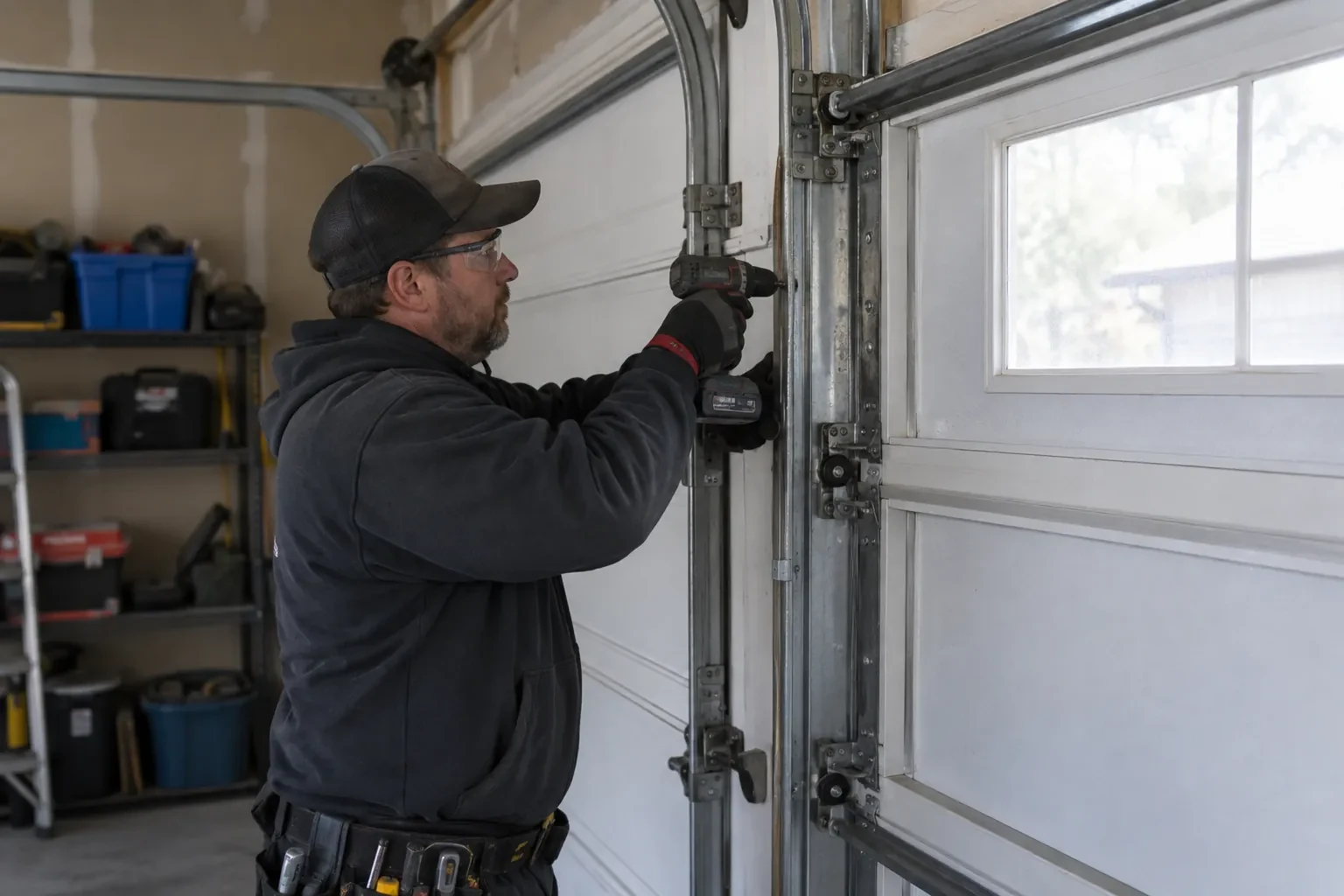
It screws to the inside of the top door section and senses tilt: that panel stands vertical when the door is closed and lies horizontal once the door is open, and the sensor reports the change to the hub by short-range radio. It is placed clear of the opener arm, lock bar and handles, on a flat part of the panel, then paired and proven through full cycles under the maker's own setup procedure so the status in the app is reliable.
Related services
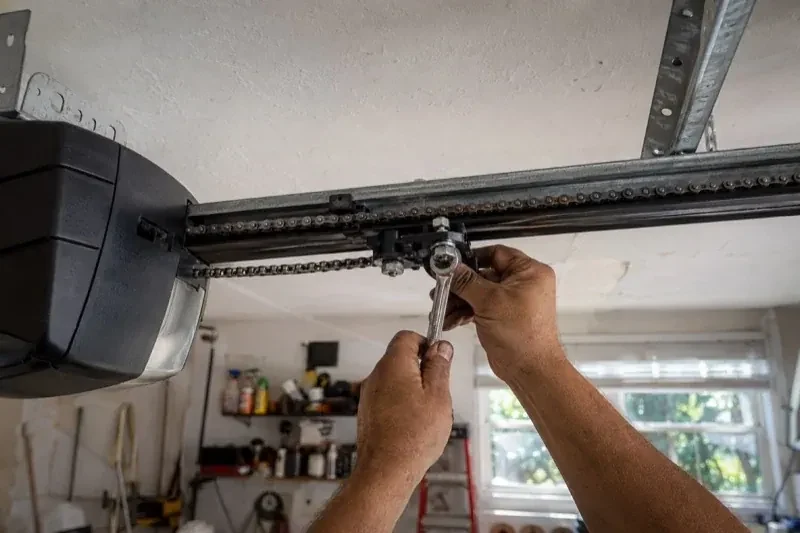
- Chain-Drive Opener RepairThe door opens about a third of the way and stops.
- Belt-Drive Opener RepairThe belt looks fine from a distance, but up close the rubber has cracked across the back in dozens of places and, in one spot, you can see the steel cords showing through.
- Garage Door Opener ReplacementSince the storm the door behaves oddly: it reverses halfway down for no reason, the light flickers, and the travel limits drift so it either slams or stops short.