Openers · Wellington North
Smart Garage Controller Setup in Wellington North
One remote lives in a car you sold last spring.
In plain words
Smart garage controller setup gives your garage door a place in your phone: open, close, see whether it is up or down, and hear about it when something changes. Many openers made in the last several years carry a wireless radio inside the head unit that only needs switching on and joining to your network. Older openers take a small retrofit hub beside the motor and a battery sensor on the top door panel, which together tell the app what the door is doing and pass your commands to it. The technician works out which route fits your opener and completes it in one visit.
How the visit goesYour daughter gets home from school an hour before anyone else. She has lost two house keys this year, and the garage keypad code has been shared with half her class. You would rather open the door from your desk and know the moment she is in.
Smart Garage Controller Setup
How the visit goes

The door before the app
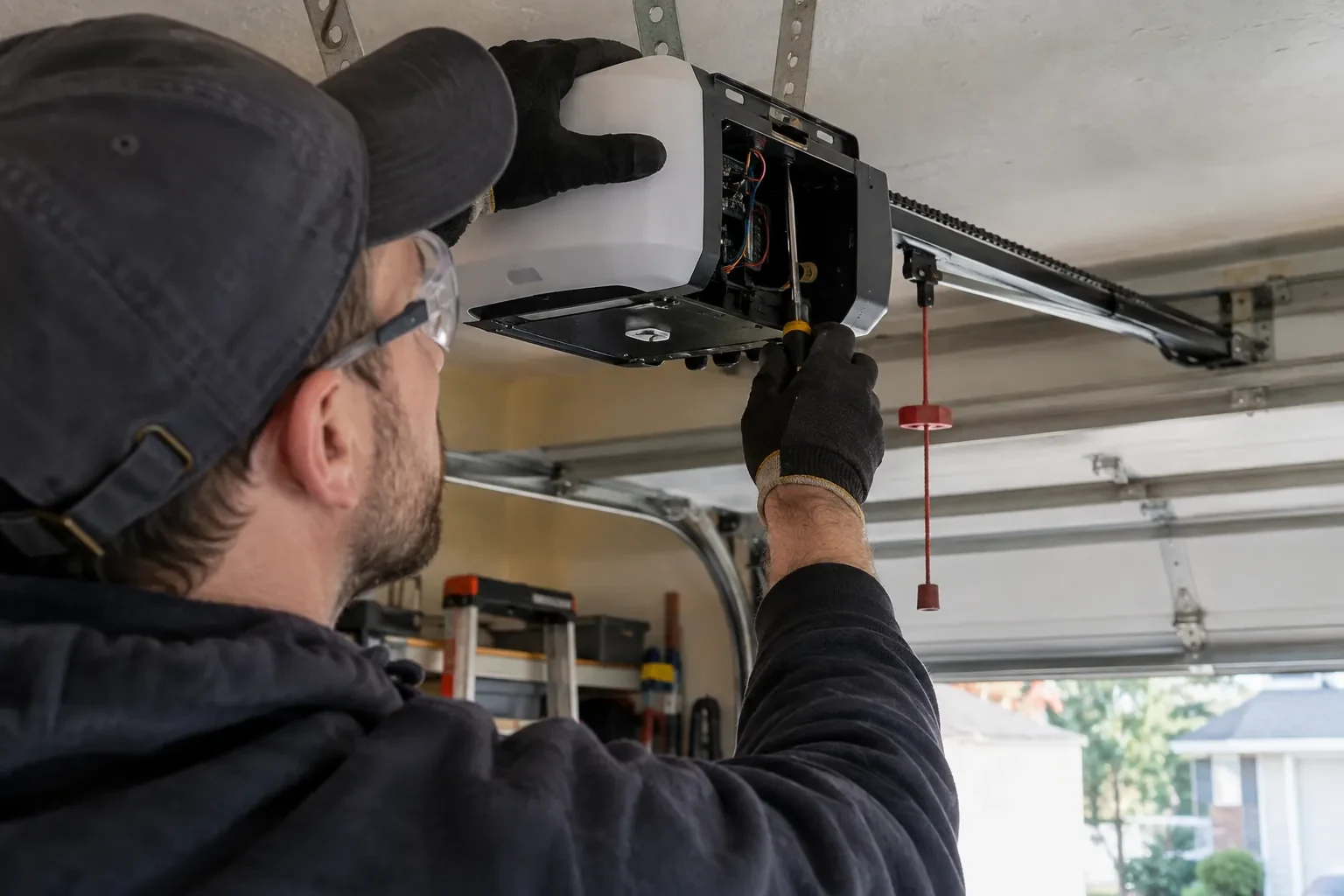
A smart controller sits on top of a mechanical system, so the mechanical system is checked first. With the door closed the trolley is released and the door lifted by hand: it should rise with modest effort, hold at about a metre and stay fully open. Rollers, hinges, cables and track are looked over, and the opener is run from the wall control to watch its travel and hear its drive. A balanced, smooth door gives the controller reliable position reporting and gives you an opener that is not straining every time your phone asks it to move. Anything found here is put right before the connected part begins.
Switching on a built-in radio
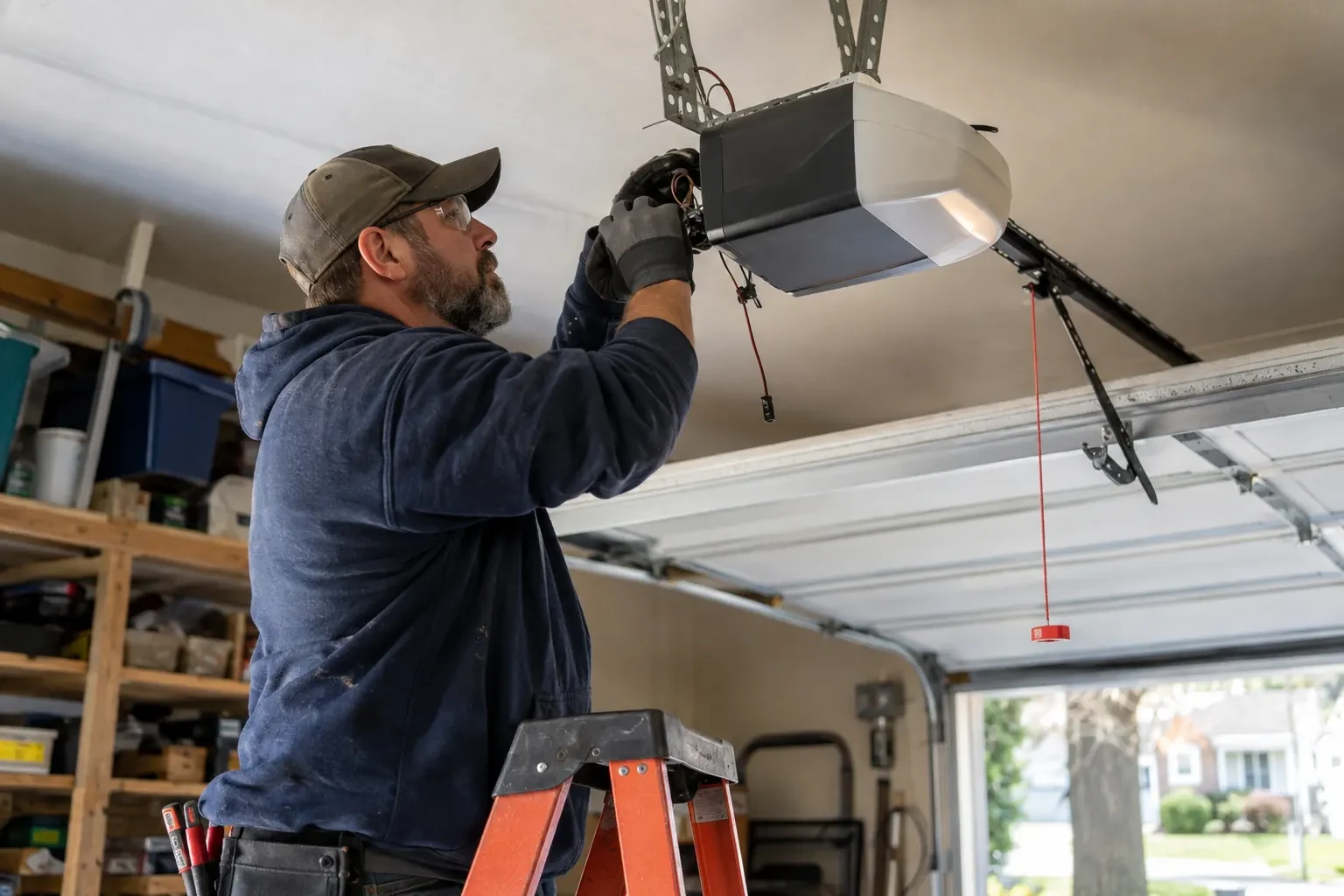
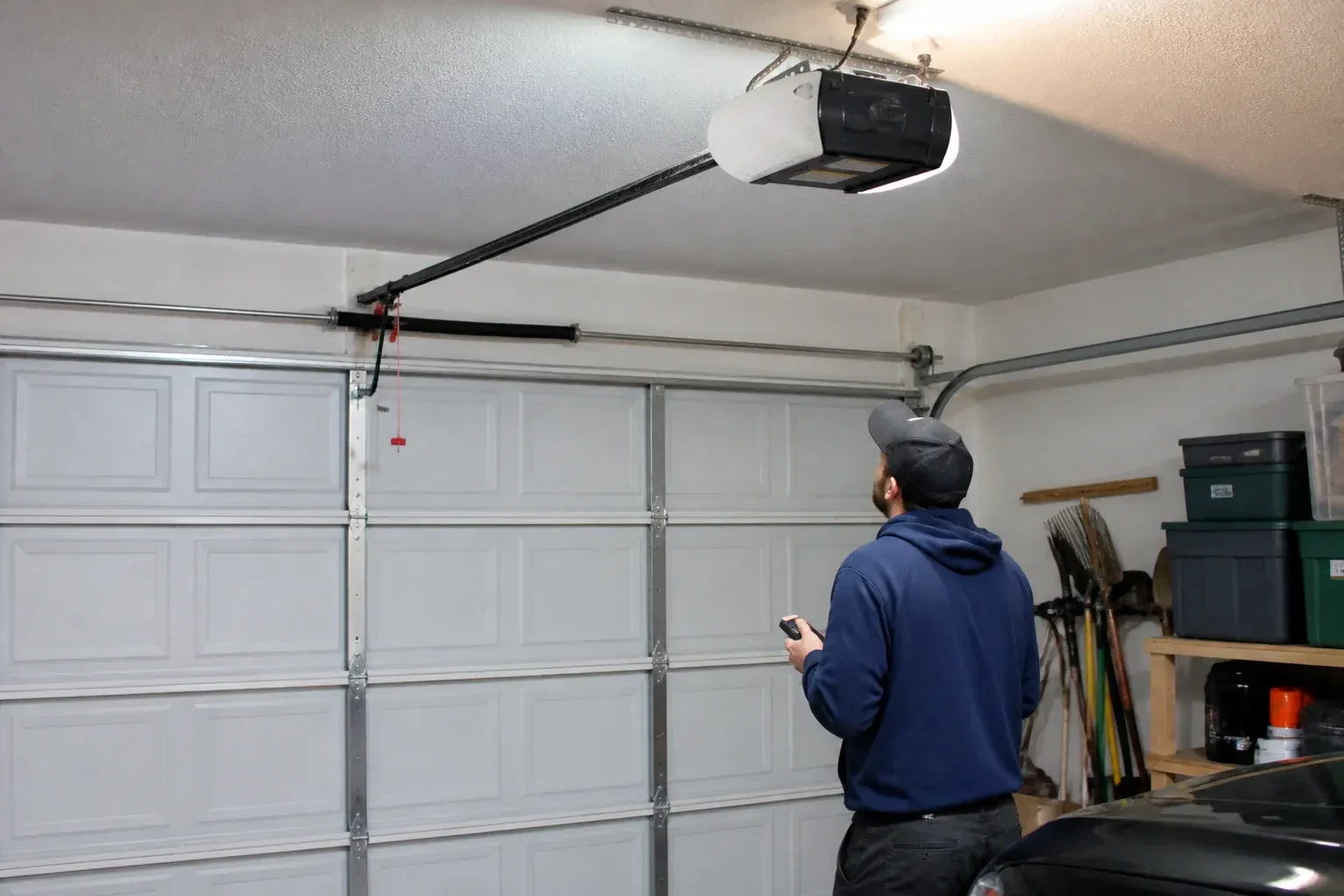
When the opener has its own wireless radio, the work is mostly done at the head unit. The technician puts the opener into its pairing mode, usually by a button press or a sequence on the wall console, which broadcasts a temporary network the phone can see. Through the app the owner selects the home network and enters its password; the opener joins, its indicator turns steady, and the serial number from the label registers the device to the owner's new account. The technician then runs the door from the app and from the wall button to confirm position reporting matches the real door, and applies the firmware update the app offers before moving on to alerts and users.
When the internet is down
A dropped connection changes less than you might fear. Your wall console, remotes and keypad talk directly to the opener and keep working through any outage. What pauses is the phone side: status updates, alerts and commands from outside the house wait until the hub reconnects, which it does on its own once the router is back. If you change routers or rename your network, the hub needs to be walked through the join process again, using the same steps you watched during setup. The door itself, and the safety features on it, never depend on the cloud.
Smart Garage Controller Setup
In the van
Cable clips and insulated staples
Wi-Fi access point or extender
Receptacle splitter with approval mark
Retrofit smart hub
Replacement photo-eye pair
Smart Garage Controller Setup
What affects the quote
Distance to your address
Every visit includes the drive. A home a few streets from the shop and a property well outside town are different trips, and that shows in the quote.
Detached garage
A garage separate from the house often means both a signal problem and a longer walk for wiring and testing, and the quote reflects both.
Number of doors
A second door means a second sensor, a second round of pairing and testing and sometimes a second hub, and each door is quoted as its own line.
What to have ready
- What colour is the learn button under the opener's light cover?
- Is the garage attached to the house or detached?
- Are both photo-eye sensors near the floor lit steadily?
Smart Garage Controller Setup: questions
QuestionsCan one controller handle two garage doors?
Many hubs support two doors from one unit, each with its own door sensor, and each door appears separately in the app with its own name, status and history. Openers with built-in radios register individually, so a two-door garage with two connected openers simply shows two doors under one account. The technician confirms which arrangement your hardware supports before the visit.
Will a smart controller work with my older opener?
Often, yes. Retrofit hubs were designed for exactly this: an opener from the previous decade or two that works perfectly well but has no radio of its own. The deciding factors are the model, the year, the type of learn button and whether photo eyes are fitted. The technician checks your exact opener against the controller maker's current supported list before anything is bought or mounted, so the answer is known rather than hoped for.
Where does the door sensor go, and what does it do?
It screws to the inside of the top door section and senses tilt: that panel stands vertical when the door is closed and lies horizontal once the door is open, and the sensor reports the change to the hub by short-range radio. It is placed clear of the opener arm, lock bar and handles, on a flat part of the panel, then paired and proven through full cycles under the maker's own setup procedure so the status in the app is reliable.
Related services
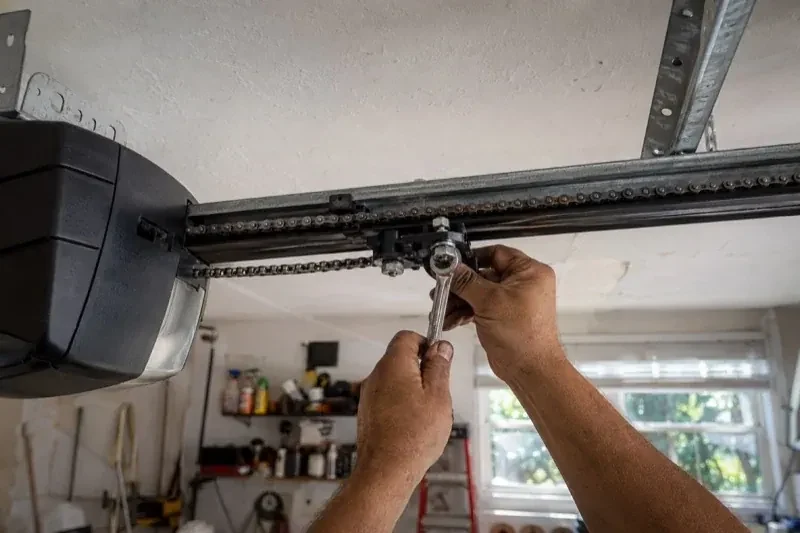
- Chain-Drive Opener RepairThe door opens about a third of the way and stops.
- Belt-Drive Opener RepairThe belt looks fine from a distance, but up close the rubber has cracked across the back in dozens of places and, in one spot, you can see the steel cords showing through.
- Garage Door Opener ReplacementSince the storm the door behaves oddly: it reverses halfway down for no reason, the light flickers, and the travel limits drift so it either slams or stops short.